PowerShell
-

How to Deploy Azure Virtual Machines – Part 4 – JSON Templates
Today we continue our deployment of Microsoft Azure virtual machines and start exploring JSON and ARM templates. There are a lot of ways to do deployment as we continue our look at the options. Let’s look at templates in JSON for creating VM infrastructure.
-
How to Deploy Azure Virtual Machines – Part 3 – PowerShell in Cloud Shell
Today we continue our deployment of Microsoft Azure virtual machines. There are many ways to do this – some manual – and some that support automation; we’ll continue our look at the options. Still a great way to get started with your Azure Infrastructure deployments is right in the Azure Portal, let’s take a look…
-
How to Deploy Azure Virtual Machines – Part 2 – CLI in Cloud Shell
Today we continue our deployment of Microsoft Azure virtual machines. There are many ways to do this – some manual – and some that support automation; we’ll continue our look at the options. Let’s take a look at CLI for creating VM infrastructure…
-
How to Deploy Azure Virtual Machines
Let’s talk about how to deploy a Microsoft Azure virtual machine. There are many ways to do this – some manual – and some that support automation; we’ll look at quite a few of the options starting with some simpler ones first. A great way to get started with your Azure Infrastructure deployments is right…
-
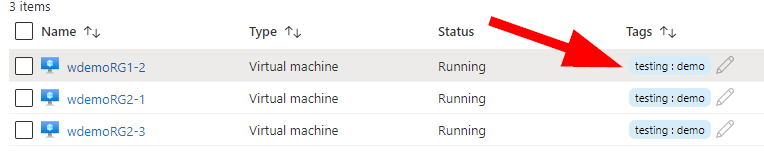
Managing Azure Resources – A Primer – Controlling Costs with Automation
Last time we looked at some different ways of getting started with managing your Azure resources. Today I’d like to introduce you a little bit to Azure Automation – this time for saving money in shutting down unused resources – and also starting them on a schedule. Last article we created a demo resource group…
-
Managing Azure Resources – A Primer
Let’s take a ground-level look at managing your resources in Azure. I want to introduce a few different methods to control your resources such as virtual machines, storage accounts, and anything that you keep within a resource group really. Let’s dive right in and find some different ways to work with and control our resources!
-
Update PowerShell Using PowerShell
Need to update to the latest PowerShell version? Check out how to make this your easiest upgrade yet! Remember to test any existing code you have published or run once-and-a-while; then update your VMs and systems that you don’t touch often, that way everything is on the same version.
-
Setting up for a Demo with Azure CLI
I’ve been asked a few times to share how I setup for doing a demo using different Azure resources. So, I’ll share my first way of setting up — Azure CLI. Today, we’ll walk through some of the steps I run and how to save it to do it all again next time. This is…
-
The Case of Where’s My Virtual Machine?
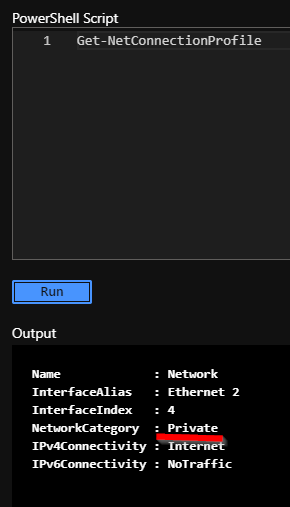
During the course of working with a client during an implementation, we discovered some pre-existing custom configurations at the VM level that when the virtual machine was rebooted…. Read the full article below…
-
Create an Azure File Share – Server-less File Sharing
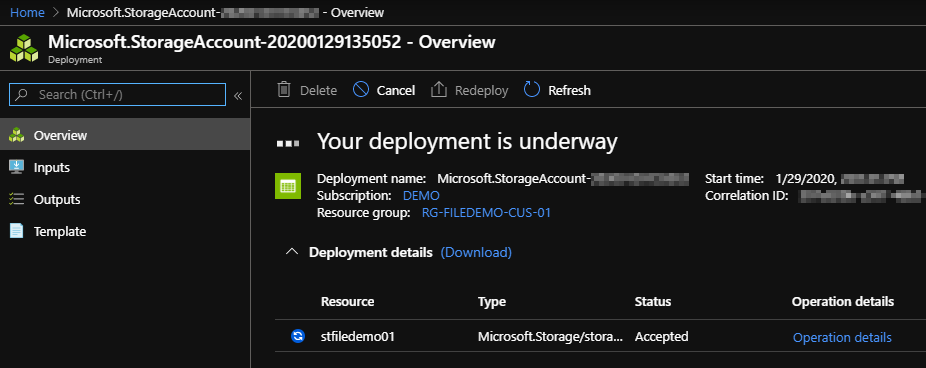
There has been a shift towards server-less computing happening for some time now. What does it mean for storage, files, and how we access data such as files? I’ve had the good fortune to work with some amazing technical people over the years and I’ve recently had a couple of colleagues ask me about what…