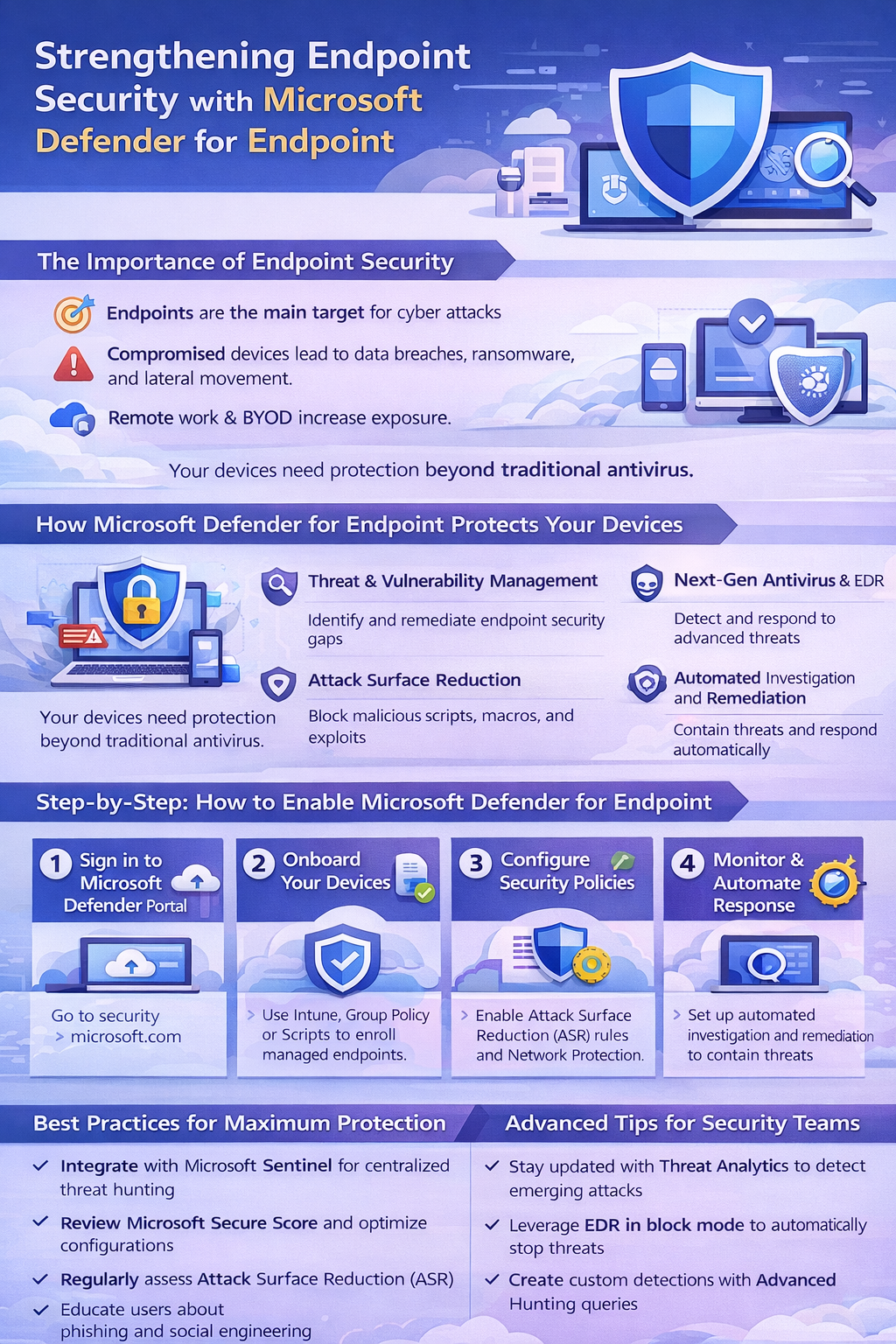
Endpoints are where real work happens—and where most attacks begin. Laptops, desktops, and mobile devices sit at the intersection of users, data, and the internet, making them prime targets for attackers. With the rise of remote work, cloud-first strategies, and BYOD policies, the traditional network perimeter has all but disappeared.
Microsoft Defender for Endpoint (MDE) is designed for this reality. It goes far beyond traditional antivirus by combining behavioral analysis, threat intelligence, and automated response to protect devices wherever they operate.
You will quickly discover that endpoints are the frontline of modern cyber defense — and the first targets for attackers. Laptops, desktops, servers, and mobile devices sit at the intersection of users, data, and the cloud, making them prime entry points for ransomware, credential theft, and lateral movement.
This article explains how Microsoft Defender for Endpoint (MDE) transforms endpoint security from a reactive antivirus solution into a proactive, intelligent, and automated threat protection platform. You will learn how to onboard devices, configure Attack Surface Reduction (ASR) rules and Network Protection, monitor alerts and incidents, and leverage Automated Investigation and Response (AIR) to stop attacks before they escalate.
By the end, you will understand how to implement Defender for Endpoint at scale, integrate it with the broader Microsoft security ecosystem, and apply best practices that strengthen your organization’s overall security posture — ensuring endpoints are no longer the weakest link in your defense.
Why Endpoint Security Matters More Than Ever
When an endpoint is compromised, the damage rarely stops there. Attackers use endpoints as footholds—harvesting credentials, escalating privileges, and moving laterally across environments. A single unprotected device can become the launchpad for ransomware, data exfiltration, or full tenant compromise.
Microsoft Defender for Endpoint addresses this risk with AI-driven detection, endpoint detection and response (EDR), and deep integration across the Microsoft security ecosystem. Signals from devices are correlated with identity, email, and cloud activity, giving security teams a unified view of threats rather than isolated alerts.
In short, Defender for Endpoint helps stop attacks early—before they turn into incidents.
A Quick Humour Check-In
Why did the endpoint go to therapy?
Because it had too many unresolved issues.
In security terms, those “issues” are suspicious behaviors, malicious scripts, and lateral movement attempts. Defender for Endpoint is the therapist that doesn’t just listen—it actively intervenes, isolates the threat, and prevents a breach before it spirals out of control.
What is supported?
- Supported endpoints: Windows 10/11, Windows Server, macOS, Linux, iOS, Android.
- Some features (e.g., ASR rules, EDR block mode) may be Windows-specific.
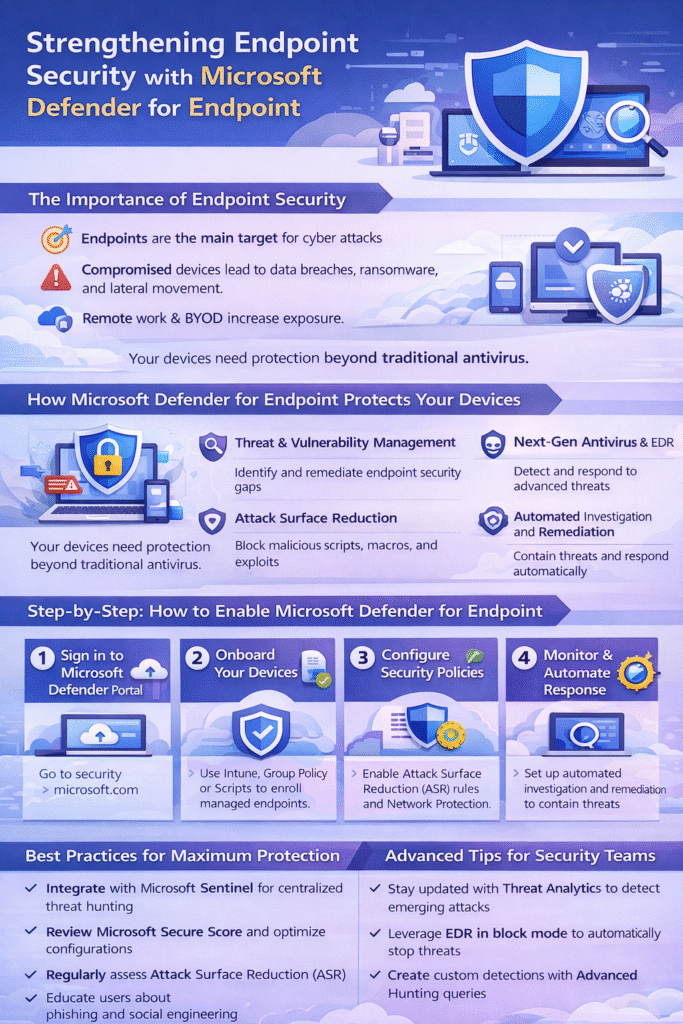
How to Enable Microsoft Defender for Endpoint
Deploying Defender for Endpoint is straightforward and scalable, whether you manage a handful of devices or thousands.
1. Sign in to Microsoft 365 Security Center
Go to: https://security.microsoft.com
2. Onboard Your Devices
- Use Microsoft Endpoint Manager (Intune) for modern device management
- Use Group Policy or scripts for legacy environments
- Ensure all supported endpoints are onboarded consistently
3. Configure Security Policies
- Enable Attack Surface Reduction (ASR) rules
- Turn on Network Protection to block malicious domains and IPs
- Apply policies gradually and monitor impact
4. Monitor Alerts and Incidents
- Use the Defender portal dashboard to review alerts
- Investigate correlated incidents rather than individual detections
5. Automate Response
- Enable Automated Investigation and Response (AIR)
- Allow Defender to contain threats, isolate devices, and remediate issues automatically
Best Practices for Maximum Protection
To get the most value from Defender for Endpoint:
- Integrate with Microsoft Sentinel for centralized SIEM and advanced hunting
- Regularly review Microsoft Secure Score for actionable improvement steps
- Keep ASR rules tuned to your environment
- Some ASR rules can block legitimate applications if deployed too aggressively
- Monitoring ASR alerts in audit mode first to prevent operational disruptions
- Train users on phishing and social engineering awareness
Technology is powerful—but informed users remain a critical layer of defense.
Advanced Tips for Security Teams
For more mature environments:
- Use Threat Analytics to stay ahead of emerging attack techniques
- Leverage EDR in block mode for additional protection, even alongside other AV tools
- Using EDR in block mode can conflict with other AV solutions in some environments
- Important to note: test thoroughly before enabling widely
- Create custom detections using Advanced Hunting (KQL)
- Correlate endpoint signals with identity and email telemetry for richer investigations
These capabilities turn Defender for Endpoint from a protection tool into a full detection and response platform.
Closing Thoughts
Microsoft Defender for Endpoint is not “just antivirus.” It’s a comprehensive endpoint security solution built for modern, cloud-connected environments. When deployed broadly and integrated with the rest of the Microsoft Defender suite, it provides visibility, protection, and response capabilities that dramatically reduce risk.
Endpoints will always be targeted—but with Defender for Endpoint, they don’t have to be your weakest link.