azure
-
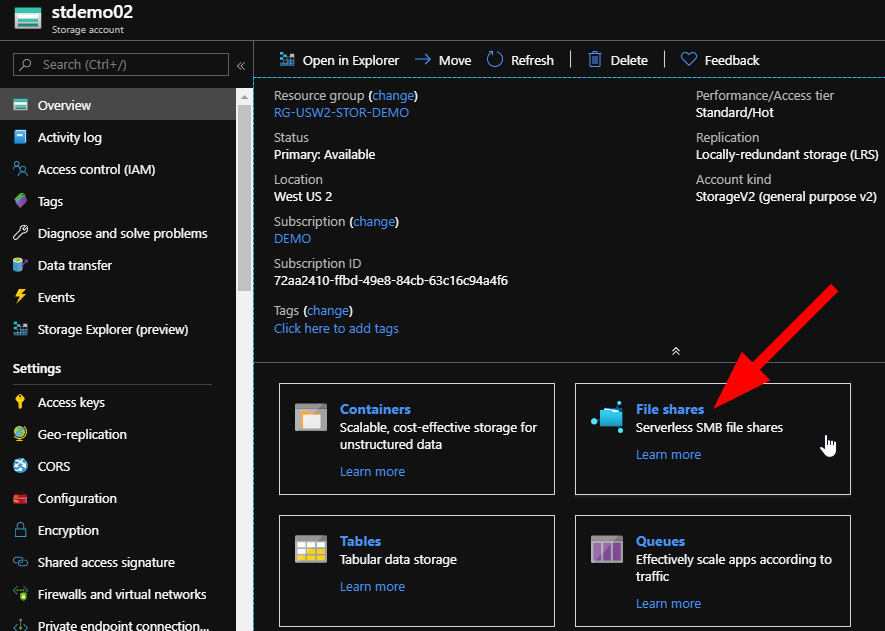
Create an Azure Virtual Environment – Accessing Storage Accounts
This article is the fourth in a mini-series that will show you how to build out an Azure virtual environment to do learning and testing with. If you already have a subscription that’s awesome! You can get the first 30 days for free with a Microsoft Azure trial account right here. Check out the first…
-
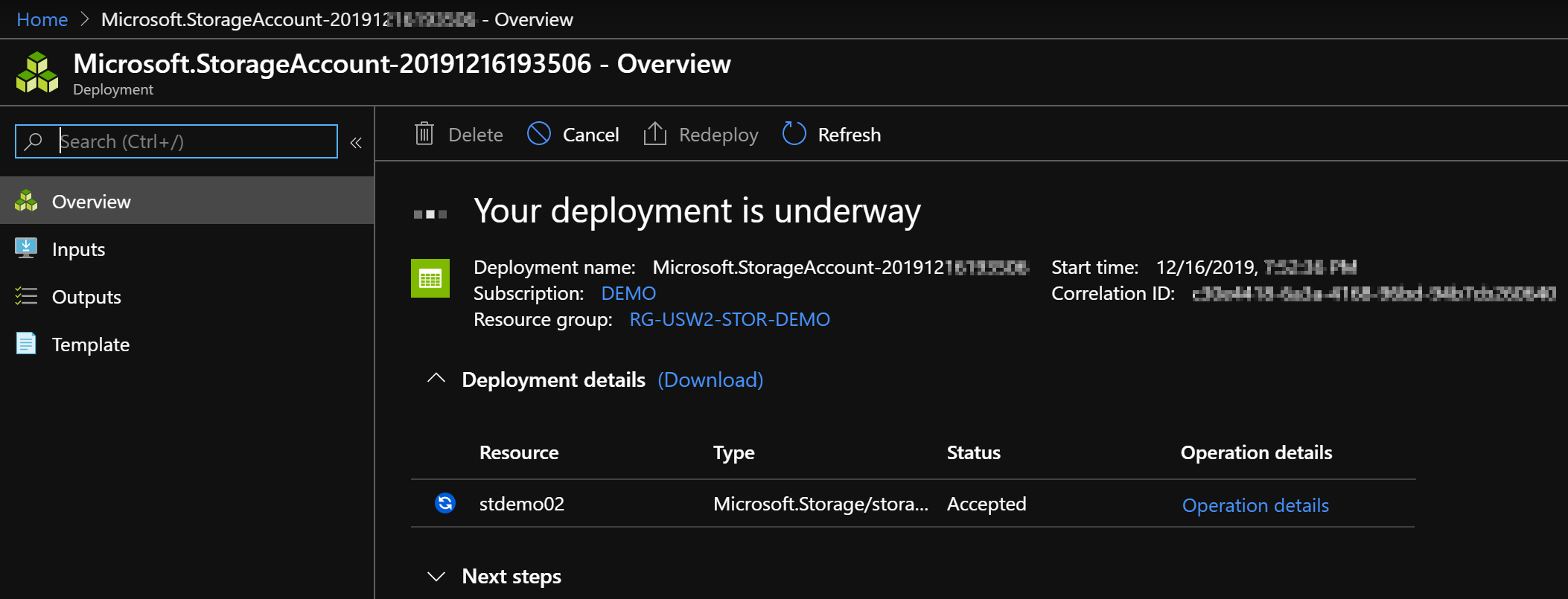
Create an Azure Virtual Environment – Storage Accounts
… that will show you how to build out an Azure virtual environment to do learning and testing with. If you already have a subscription that’s awesome! You can get the first 30 days for free with a Microsoft Azure trial account right here. Check out the first steps for getting logged into Azure Portal…
-

Create an Azure Virtual Environment – Resource Group
If you’re reading about Azure and you’ve already done some reading, maybe used some free Microsoft training resources and you are curious about learning more; you’re in the right place! Today, we will cover some of the first steps as you begin your Azure journey. It’s a great day to get started with some hands-on…
-
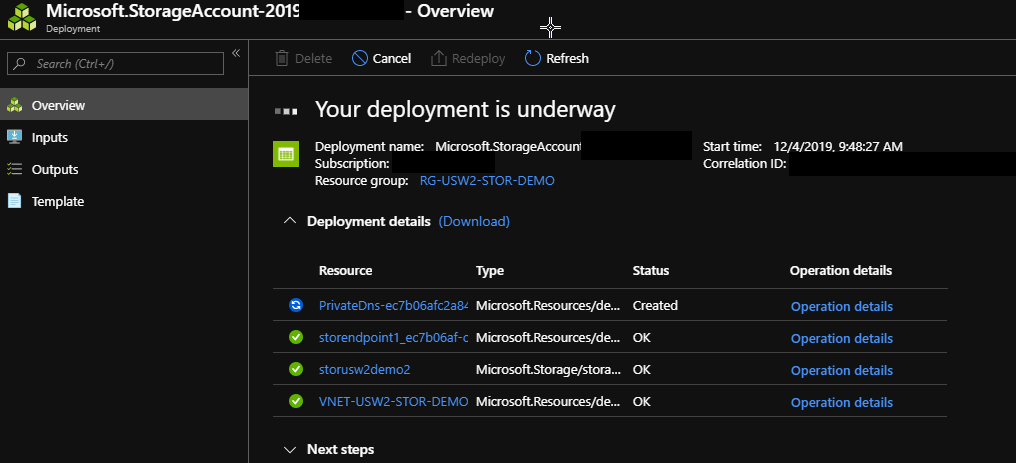
Azure Storage – Keep Your Data inside Azure
Why would you want to keep data inside Azure? Don’t users need to get their files? Let’s talk about data security and data charges as part of our Azure design. When you create a file server, file share out of an Azure Storage Account, or otherwise allow users to access their data, it often can…
-
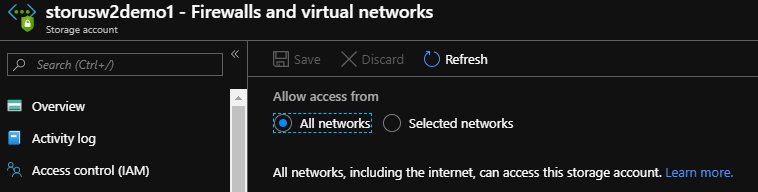
Azure Storage – Restrict Storage Accounts to a Virtual Network
Today, we will restrict the access to the storage account to a single virtual network to ensure that it is more secure and not accessible over the internet directly. This is something to consider when designing your Azure storage as there are specific use cases where the design should be more secure. This does not…
-
Azure Storage – Create a Storage Account
Let’s take a look at how to create a storage account in Azure that you can use for storing your files. This will be the first in a series of articles that will show you how to create, secure, and then optimize usage on the Azure internal backbone for your storage account data. First, let’s…
-
Azure Readiness – Fundamentals Skills
Why would a manager or supervisor, or even the CFO need to understand Azure Fundamentals? Isn’t that type of knowledge handled by the technical people and why would our managers need this knowledge? These are questions that I come across regularly; and my answer is always the same. As a business moves towards cloud adoption,…
-

Create an RDP file for your Azure Virtual Machine in PowerShell
Ever need to quickly connect to one of your virtual machines in Azure? You can use CLI or Azure PowerShell module and the Get-AzRemoteDesktopFile cmdlet to create an RDP file to use for your connection! This is not a widely known method, but it can save you loads of time! See how to use RDP…
-

How to Use VS Code for Azure CLI
To keep as much flexibility in my connection and administration work as possible, I like to take advantage of all the hard work of the teams that have given us (the general public) tools like PowerShell, VS Code, and Azure CLI. My clients know that my love of PowerShell is almost equal to that of…
-

Azure Naming Conventions
Most Admins are aware why we should use a standardized naming convention across all your resources, but sometimes we have to explain it to business members or new admins that have not considered this before. It can be a contentious topic sometimes, but Microsoft Docs guides us through this process…. For examples and explanations of…