automation
-
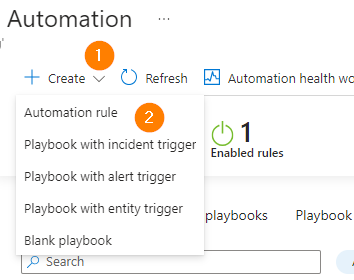
Responding to Incidents with Microsoft Sentinel – Part 2 – Optimize What You See
Today, we will explore some enhancements to your Microsoft Sentinel environment. I look at optimizing the ticket queue and working to prevent ticket overload. Join me to explore Automation Rules.
-

Building Automation Rules with your Sentinel Instance in PowerShell
Today, we explore creating custom Automation Rules in Microsoft Sentinel to help us auto-close low value incidents. Let’s look at how we can automatically close & impact incidents and make it all work using PowerShell!
-

How to Build Custom Microsoft Sentinel Analytics Rules
Today, we expand on and explore rapid Microsoft Sentinel deployment using PowerShell. This model of repeatable, consistent, and fast deployments is a great way to help build our own skills up, and build a resilient and robust deployment method we can count on.
-
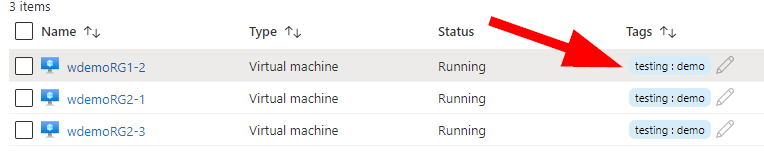
Managing Azure Resources – A Primer – Controlling Costs with Automation
Last time we looked at some different ways of getting started with managing your Azure resources. Today I’d like to introduce you a little bit to Azure Automation – this time for saving money in shutting down unused resources – and also starting them on a schedule. Last article we created a demo resource group…
-
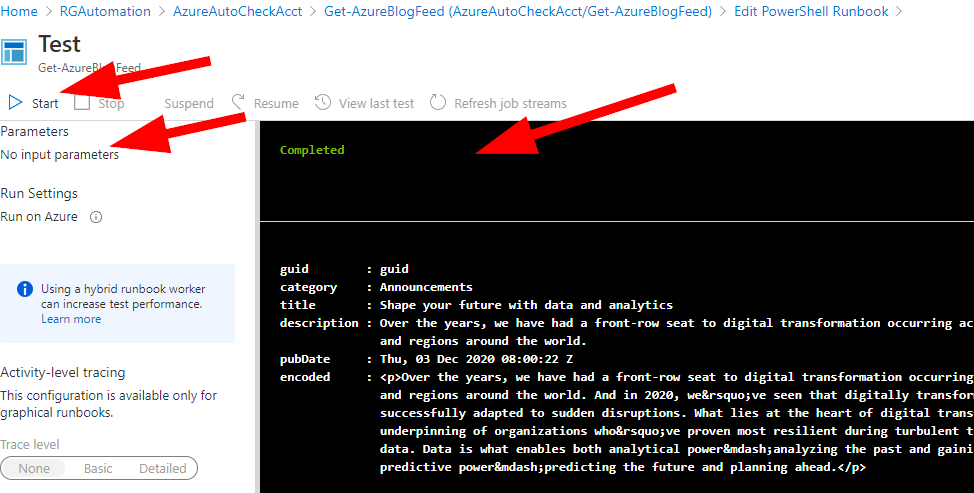
Azure Automation Account – Adding PowerShell to the Mix
Let’s take a look at adding Runbook to our Azure Automation account that we created in our last article together. Today, we’ll add a simple script as a runbook and see how to get it running in a simple way.
-
Create an Azure Automation Account
Today we’re going to get ready to create some automation in Azure together. The end goal is to get ready to set some PowerShell scripting to follow a schedule and run entirely in Azure. We’ll start with the basics first and go from there. Let’s dive right in and get things started to run with…
-
How Can you Manage Multiple Providers in Azure?
If you are running Azure infrastructure and have multiple providers that reach into your tenant, you know how difficult it is to log, audit, and monitor what your providers are actually changing inside your subscriptions. From the opposite view, if you’re a solution provider and you have to reach into multiple clients Azure subscriptions to…
-
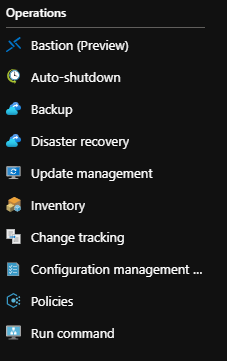
Azure Updates Management
Azure Updates Management helps you keep your virtual machines updated without intervention and using an automated schedule. No need for additional third-party products with all the functionality build right into your Azure subscription. The ability to patch regularly addresses major security concerns and requirements for compliance by reducing risk footprints, patching flaws and bugs, and…
-
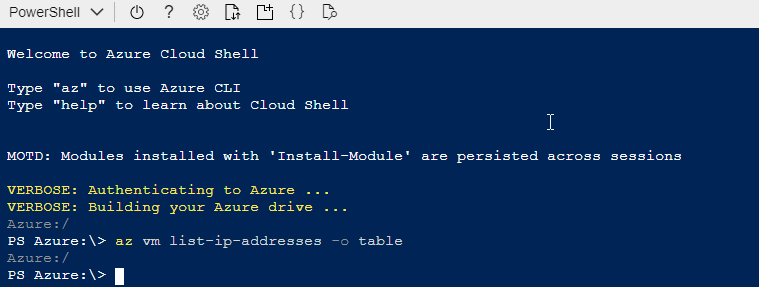
Azure CLI Introduction
If you are just getting comfortable using Azure or want to start learning a bit more about how to provision virtual machines using a method that can be automated and repeated quickly – stay tuned as we’ll cover some simple commands on using your free Azure account, connecting to Azure CLI, learning some test and…